Whether it’s the red carpet, you’re doing street vox pops or backstage at fashion week, we’ve made our fair share of mistakes so you don’t have to.
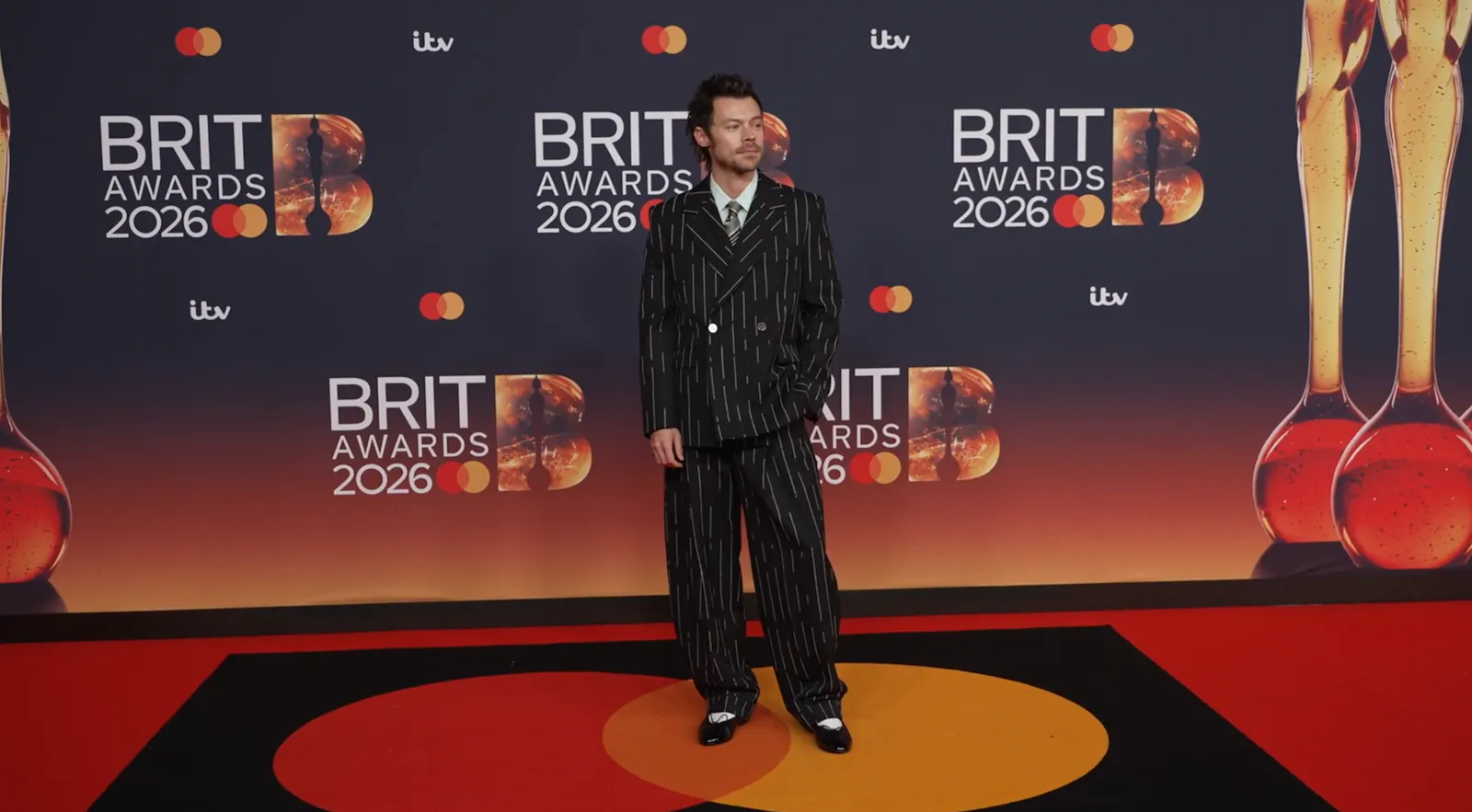
Whether you’re on the red carpet, filming street vox pops, or backstage at fashion week, social video interviews can be chaotic, unpredictable, and full of pitfalls. We’ve been there, missed recordings, microphones not working, flickering footage, awkward answers , and we’ve learned the hard way.
In this guide, BRICKS & Learner Platform founder Tori West shares the exact tips, tricks, and settings we use to capture clean, engaging videos every time, from preparing questions that land, to filming on your phone like a pro, to backing up and editing content for social media. Consider this your shortcut to avoiding rookie mistakes. We’ve also broken down the equipment we use, and cheaper accessible alternatives if you’re just starting out.
Preparing Questions
Aim for around six questions. If you’re interviewing multiple people for one video, not every question will land with every person so this gives you enough wiggle room.
I usually have three key questions in mind, one for each compilation video, meaning I should have three final video clips. The remaining questions act as buffers, either to capture great soundbites or to prompt a different conversation that could become a standalone video.
If you’re not great at remembering questions on the spot, keep them in your phone notes or on a quick post-it on your screen so you can glance at them during filming.
Another tip is to include at least one question inspired by something happening in popular culture that week. It gives people an easy way into the conversation and often leads to fun, unexpected answers that will hopefully bring in good social engagement and move the conversation forward on the algorithm.
For example, when the Louvre robbery was in the news, at the Rolling Stone awards we asked:
“If you were going to commit a heist, which three people would you bring with you to get the job done?”
Asking the questions
If you're not appearing in the video yourself, ask the talent to repeat or reference the question in their answer so the clip still makes sense without hearing you ask it.
Example
Instead of an answer like:
“Probably Rihanna, Zendaya and Beyoncé.”
Encourage something more like:
“The three people I’d bring on a heist would be Rihanna, Zendaya and Beyoncé.”
This way the clip works as a standalone piece of content, especially when it’s cut for social media and your question isn’t included in the edit. You only really need one person answering in this way, as long as someone does you have it, but it’s good practice to tell everyone so you have more choice of who to open the video with in the final edit.
Let them speak
There’s nothing worse than interviewing someone and accidentally talking over them, only to realize during editing that you have to cut clips to fix it.
Be patient and wait for a pause before jumping in. This keeps the conversation flowing naturally and makes your footage much easier to edit.
Phone Filming Settings
Turn HDR Video off – it doesn’t display well on Instagram or TikTok.
How: Settings → Camera → Record Video → HDR Video (off)Film in 1080p HD at 60fps (not 4K) – Instagram can’t handle 4K well, which creates unnecessarily large files and can slow uploads.
How: Settings → Camera → Record Video → 1080p HD at 60fps
(FPS can be adjusted depending on lighting, but 60fps is preferred as it allows clips to be slowed down without looking choppy.)
Test Test Test
Always test the audio before, during and after filming to make sure it’s recording properly.
Also check your iPhone camera before you start. Non-static lighting in a room (such as LED or fluorescent lights) can cause flickering on camera, so do a quick test recording to make sure the footage looks clean.
Sending Footage
Avoid sending footage via WhatsApp or iMessage, as these platforms compress files and reduce video quality. Never send footage to an editor using these methods.
Instead, upload content to Dropbox as soon as filming wraps. For example, when we were at the BRITs, we uploaded footage immediately, if anything had happened to the phone during the ceremony or afterparties, the footage would already be safely backed up. Dropbox also allows files to be downloaded without compromising video quality.
If you don’t have Dropbox, we occasionally use WeTransfer’s Collect app. Just remember to keep the app open while files are uploading, otherwise they’ll stop syncing.
To make it easier, I sometimes change my phone settings so I can let it do its thing.
Settings > Display & Brightness > Auto-Lock > Never / 5minutes
If Dropbox or Collect isn’t an option, airdrop the files to someone with you or use Google Drive/
If Things go Wrong
We’ve all had disasters, especially in overstimulating environments like award ceremony media pits. Don’t be too hard on yourself. Yes, I’ve forgotten to press record. Yes, I’ve done an interview only to realise the mics weren’t turned on or connected. But when you’ve recorded 30 interviews back to back, there’s a lot of room for things to go wrong. I’ve messed up one interview before that didn’t record during the British Fashion Awards, I felt guilty about it for years. But when I look back at the 30 people I spoke to, only 3.3% of it was wrong. That’s pretty low odds in the grand scheme of things.
On a red carpet, mistakes like this can be hard to fix, sometimes you just have to cut your losses. But in most situations, always check whether you can quickly record the audio afterwards. Talent are usually very understanding; they work in media afterall and know that technical issues happen.
Most importantly, don’t let it knock your confidence about asking again.
Yes sometimes the footage isn’t publishable because the interview answers, well, just weren’t that engaging and weren’t worth posting. It’s ok to use your discretion on whether something will be used or not.
Editing
The three-second hook
I know you’ve heard it, and honestly, I’m bored of hearing it too, but the three-second hook rule really is valid. You don’t have to open with your question in the final edit. Sometimes it’s better to start with a funny or unexpected soundbite instead. But as TikTok’s in-house team once told me, make sure you roll into the main video within those first three seconds to keep viewers engaged.
Instagram edits is actually pretty good, if you post directly through the app to Instagram, they then work out your stats and give you a personal rating on your video out of 10, so you know what to improve next time by discovering what actually didn’t land. Otherwise, for a more industry standard of editing we use Premiere Pro.
Equipment Checklist
Tripod stand – perfect for solo filming. It also frees up your hands if you want to hold your questions instead of using a post-it or relying on memory. Alternatively you could also use a hand held device.
Rode microphones (Si apre in una nuova finestra) – we use these for high-quality audio. You may also need the correct wiring and converters depending on your phone model. When we first started, we invested in these mini mics (Si apre in una nuova finestra) for under £20, which are actually amazing and we still use them occasionally.
Portable light (Si apre in una nuova finestra) – you can get these super cheap. Ours was actually picked up from Brixton Market.
Portable battery charger (Si apre in una nuova finestra) – ideally something that can provide at least four full phone charges. We’ve since upgraded to a huge one that can charge laptops too.
Headphones – essential if you plan to edit right away in a busy environment, so you’re not blasting audio on the bus (trust me, been there).
That’s it from us this week! Have a great weekend and we’ll be back in your inboxes next Wednesday with the creative opportunities board! x
Data
06/03/2026

